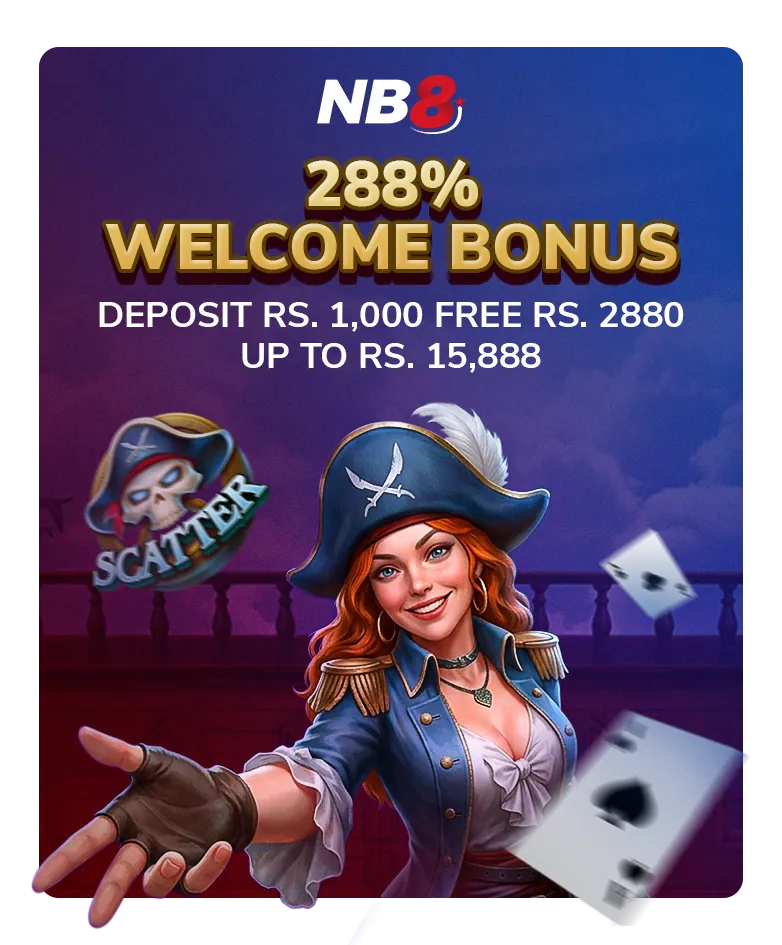
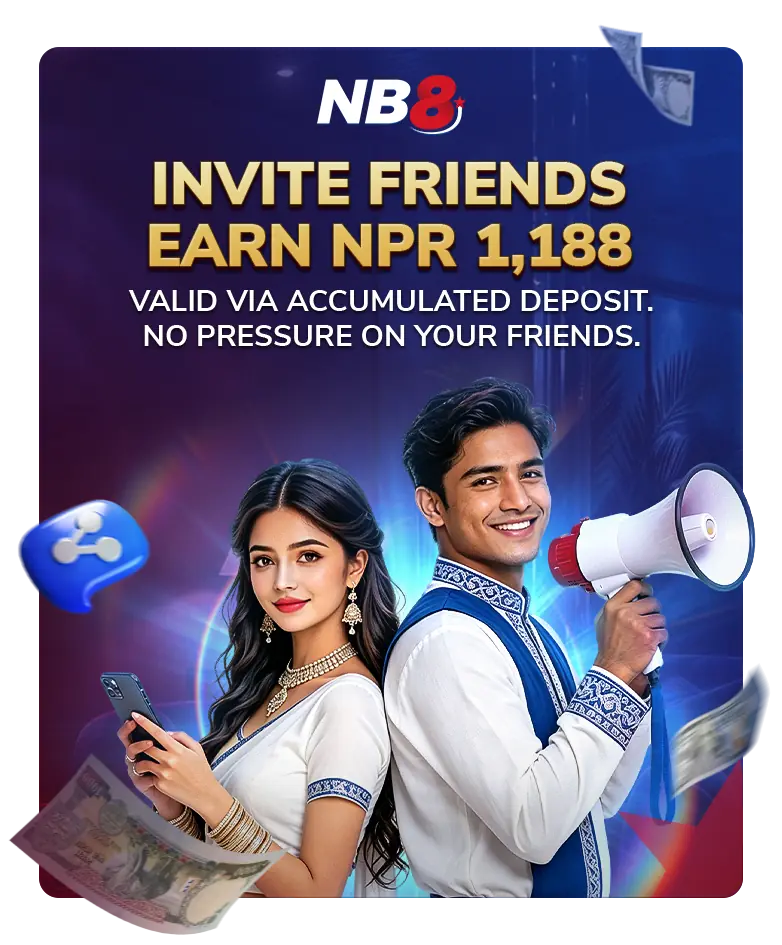
Refer a friend and earn 1188 NPR of real balance for you invite.

* You cannot play this game because the promotion you applied for does not match the game category. Please refer to the promotion terms and conditions for promotion turnover requirements. Once the promotion turnover requirements is reached or the wallet balance is below , it will be reset and all these games will be unlocked.
OK LIVE CHAT